Lecture Comments & Reflections
Design Development (weekly Challenge)
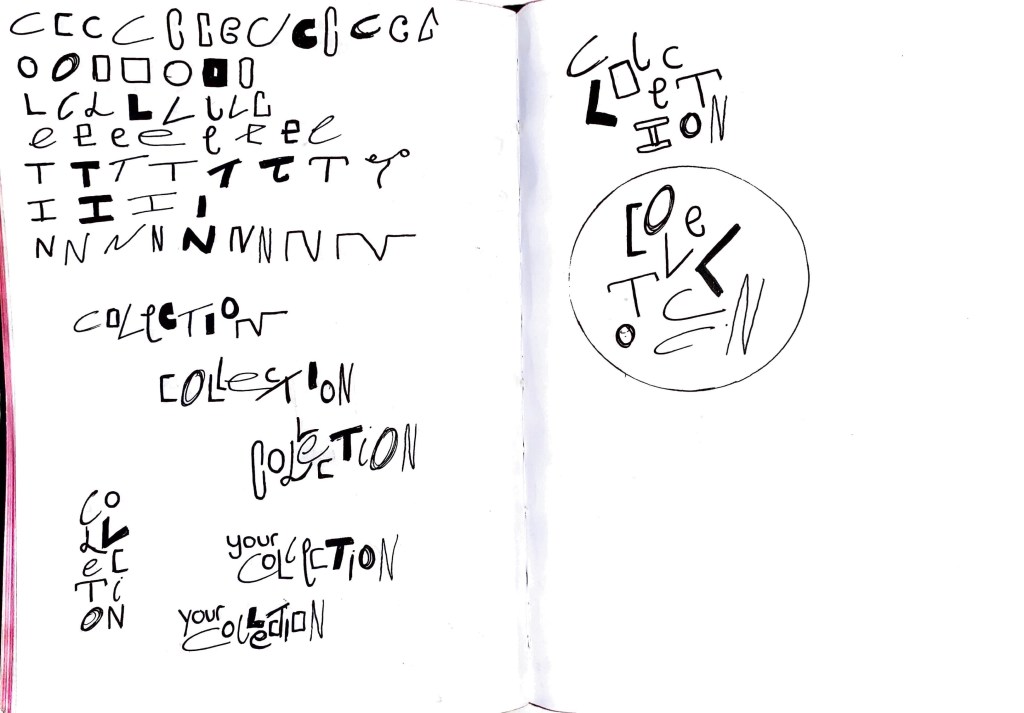
‘Logo’ Design for Collection app.
Development of app
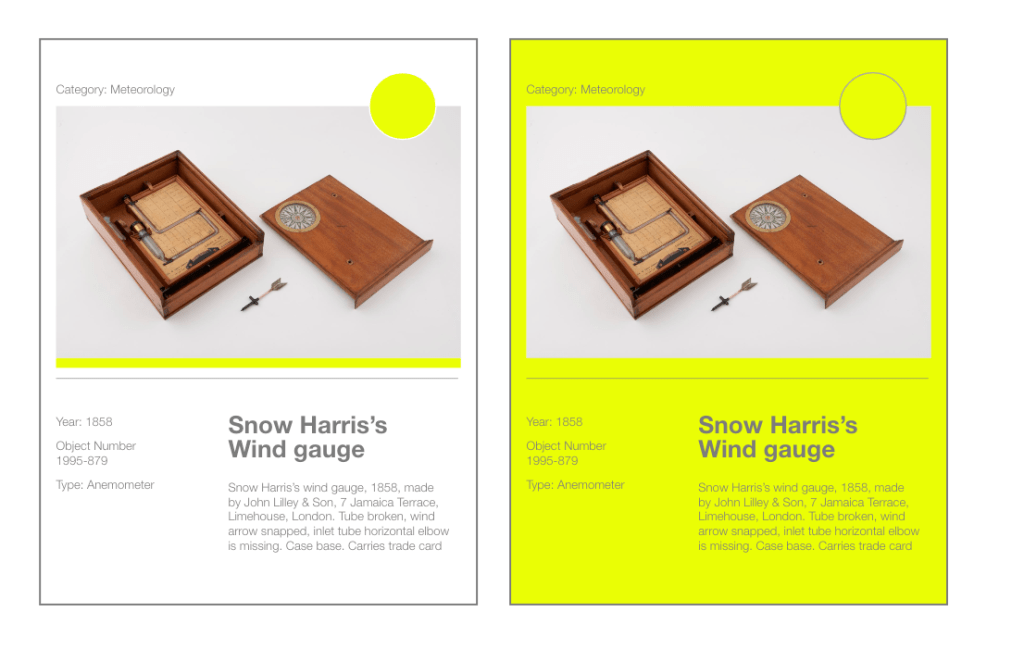
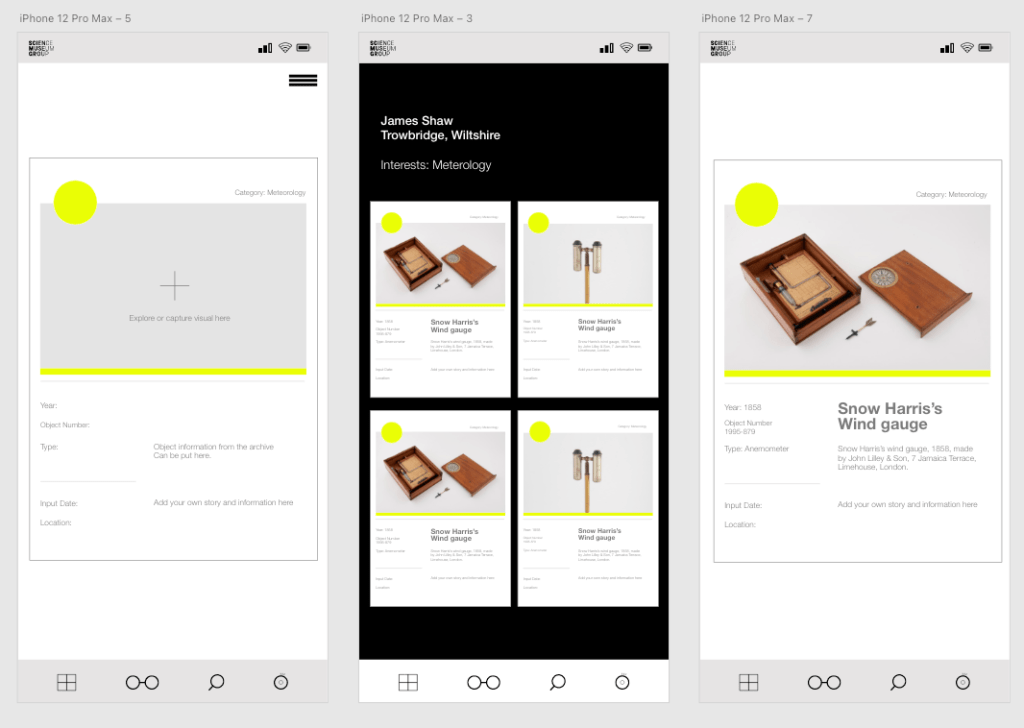
Pushing forward with the design of the app and exploring how the whole app is going to work. Below the app has started to visually take shape. Adding in further elements of interactivity so the app doesn’t feel stale.
Points that are working:
For me the paired back clean visual approach is working really well. I want the objects and information to be front and centre. This gives viewers the opportunity to add text if they want but also allows them to keep it solely visual.
Colour is working well for me but I think I need to look at other colours to compliment / work with.
Points that need to be worked on:
Overall flow of the app needs to be nailed down so focus can be put onto the design and functionality of the app.
Colour needs to be considered further
Typography needs to be looked at for all areas.
Want to explore animation of parts to bring the app/prototype to life.
How can I share that the app can be used for all museums? Is there a separate button/page for this.
Should there be more emphasis on the capture function?
The whole experience should be explorative and discoverable. The app should feel like a personal collection and something you can get out and share with others.

Connecting:
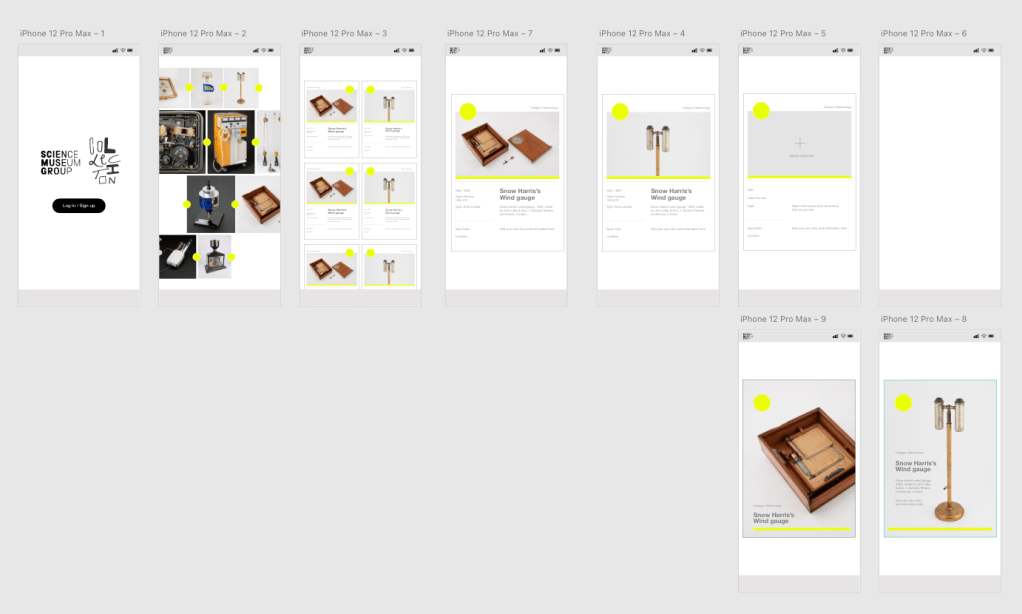
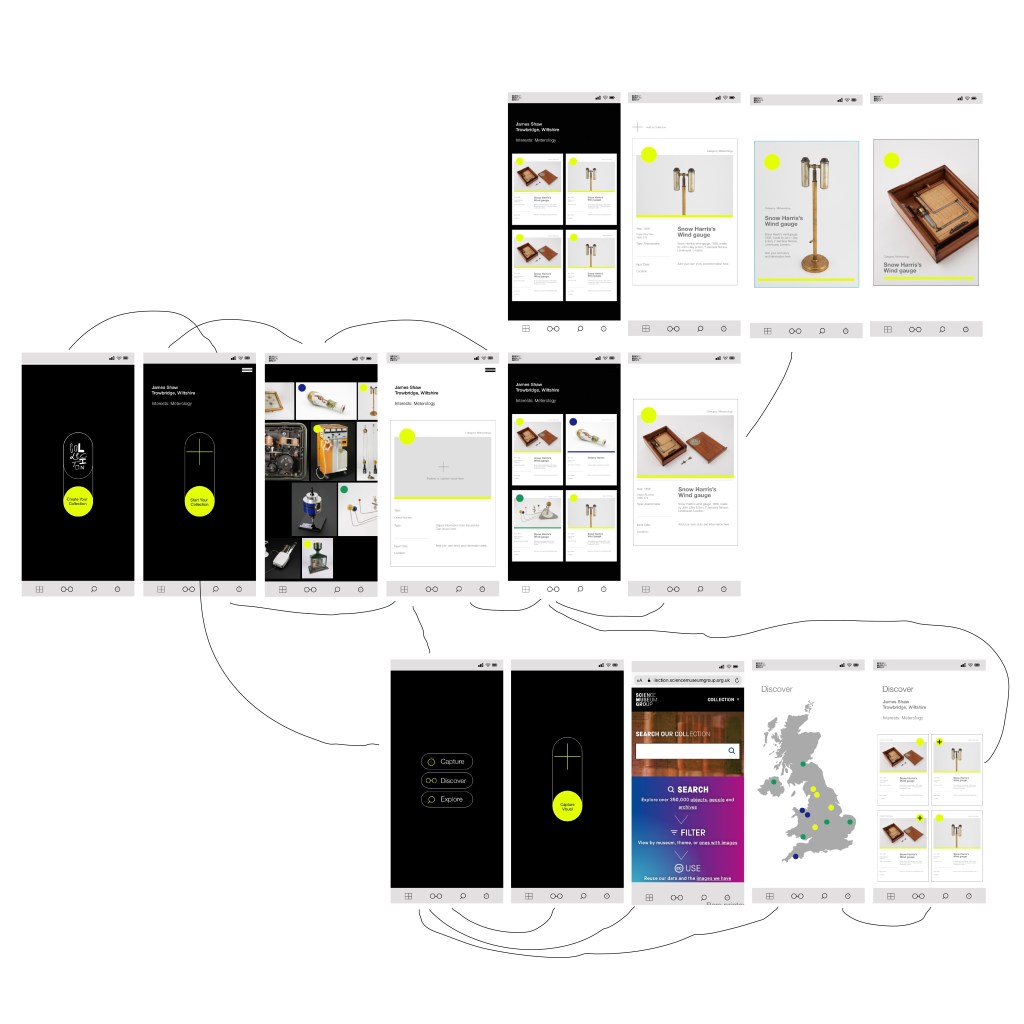
Working out how the user navigates through the app. This needs to be a simple and clear direction so the user understands where to go. Many of the pages will link back via the bottom menu (your collection, discover, explore and capture) and also the top drop down menu (home, your collection, archive)
There is external factors to consider. For example when a user wants to ‘print’ one of their cards they will need navigate away from the app. I need to figure out how this will work.
I also want to figure out how social sharing will work within the app. Will the cards be available to save down ready for ‘social’ so you can share your stories or collection via social as well and the live feed and map.
Also how does the user add their cards to the map? Does this happen automatically or do they need to opt in?
The Map – Could there be be pulsing lines like blood vessels which highlight where there is activity or stories to be found?
Could there be an element which allows user to create their own separate collection, which doesn’t involve museums? They can scan, photograph and collect their collectables and digitise them, opening up their collections to the world.
Initial Prototype
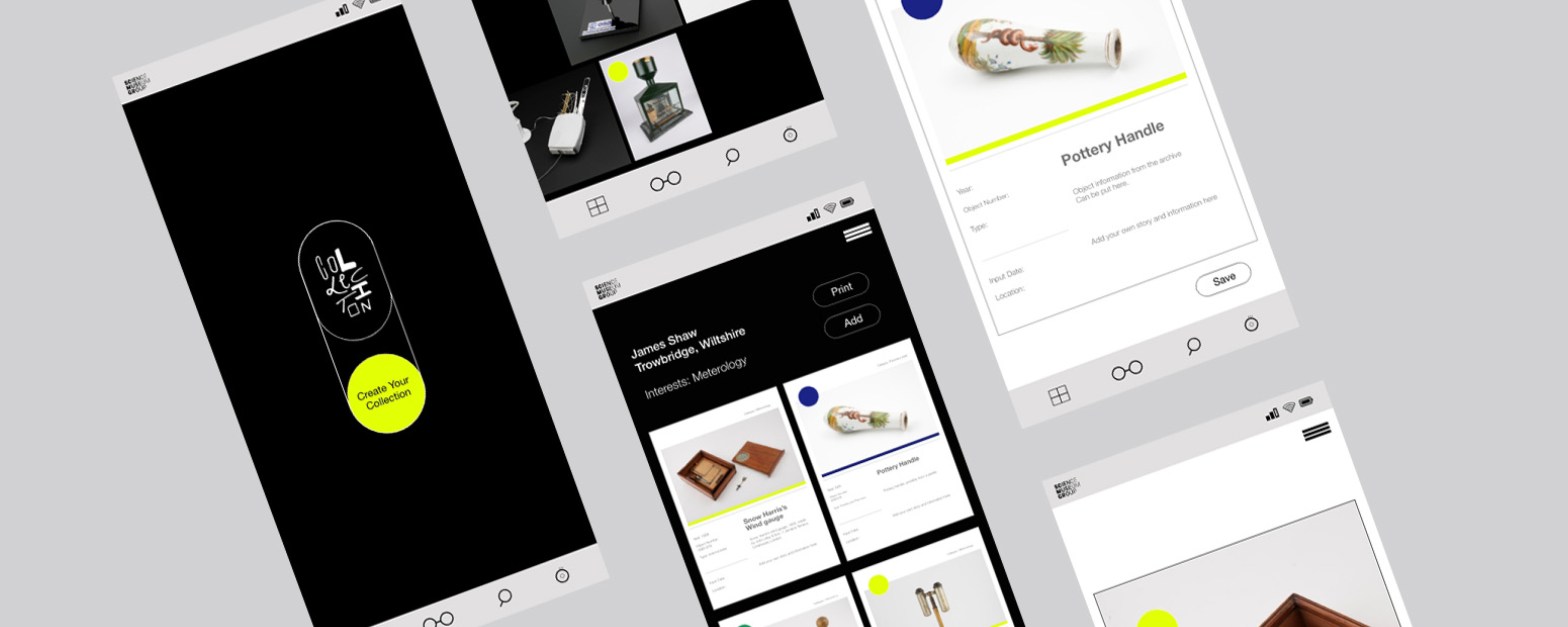
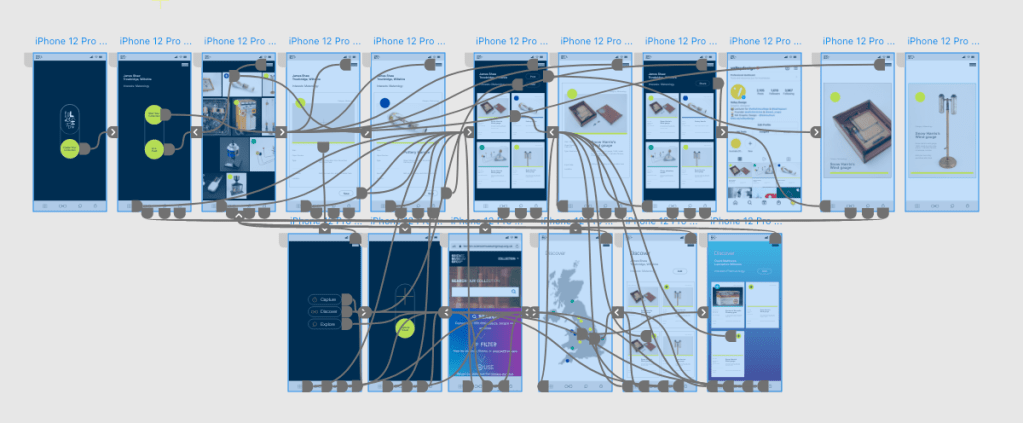
First prototype for ‘collection’ This is allowing me to see how the app is going to work and where the navigation needs to be tightened. Visually the solution is coming together nicely but there is elements that still need work (these might not be deliverable due to time and scale however)
Prototype Connections. Early testing from low fidelity prototype.
The overall idea and prototype section is going really well, This for me is down to earlier parts of the project (research, mission statement, strong idea)
At this stage I would have liked to have pushed the project further so the app became more alive. However saying this within the given time frame was has been achieved for me is really strong. There is plenty of development which I really want to build on , potentially take this further outside the course / into my final MA project.
Next steps:
Look at what best steps will suit visitors accessing the app. There needs to be a ‘point of access’ is this a QR code? marketing for the app on the SMG website and within the museum? Does the app feature on tickets (email and physical) Is there points within the museum which allow you to scan and access the app?
“digital media can be ‘attached’ to physical objects by means of the small printout of a square code.” – https://www.museumnext.com/article/qr-codes-and-museums/
How will using a QR code help benefit the archive? Is is an easy way to get people to interact? or will it cause more clutter for users to do?
Feedback from study skills tutor:
How does the visitor get to be on this app? Do they access it through the SMG website? Is there a QR code within the museum?
From this I thought it would be good to think about where they may access the app. Through QR codes within the museum itself, through the website, QR code on tickets / emails. Areas where it will invite you to take part and ‘create your collection’ (social media)
Other points which were pointed out where the level of personalisation? Could it go further and allow the visitor to personalise their profile. Background colours, typography? This could work well with the intended target audience.
Can tailored exhibitions come from audience collections? Through seeing users collections can the museum put on pop up ‘collection’ exhibitions to enhance public access to the collection further (could this be digital and physical)
When creating their own collection could the logo ‘collection’ be tailored to how they want? A bank of letters which they can edit and personalise.
Would it be better for the user to stack cards within their collections? so that it’s not an endless scroll of images?
Recap your visit to the museum by creating your collection via our app.
Research

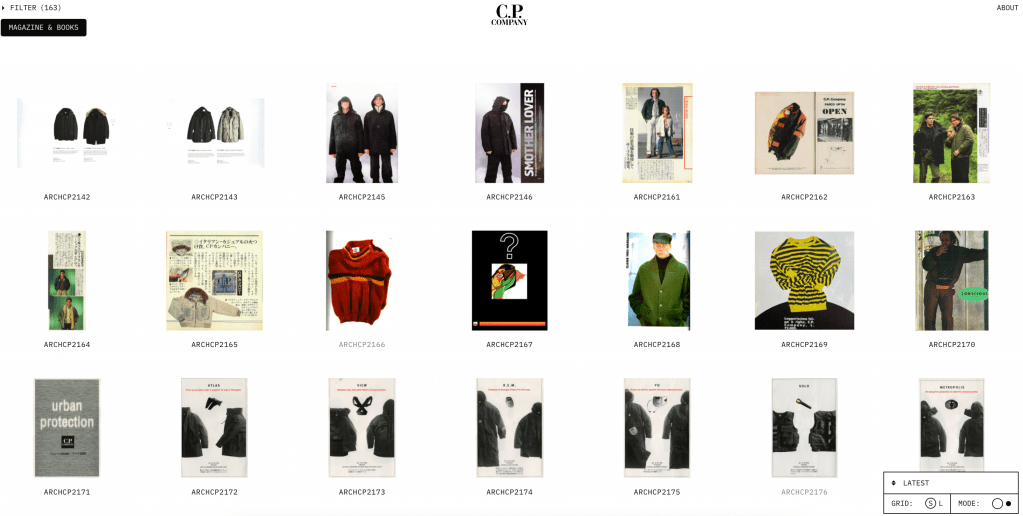
CP Company 50
Weekly Critical Reflection
What went well
Continue to work on
Prompts for next week:
 James Shaw